MeshRefinery
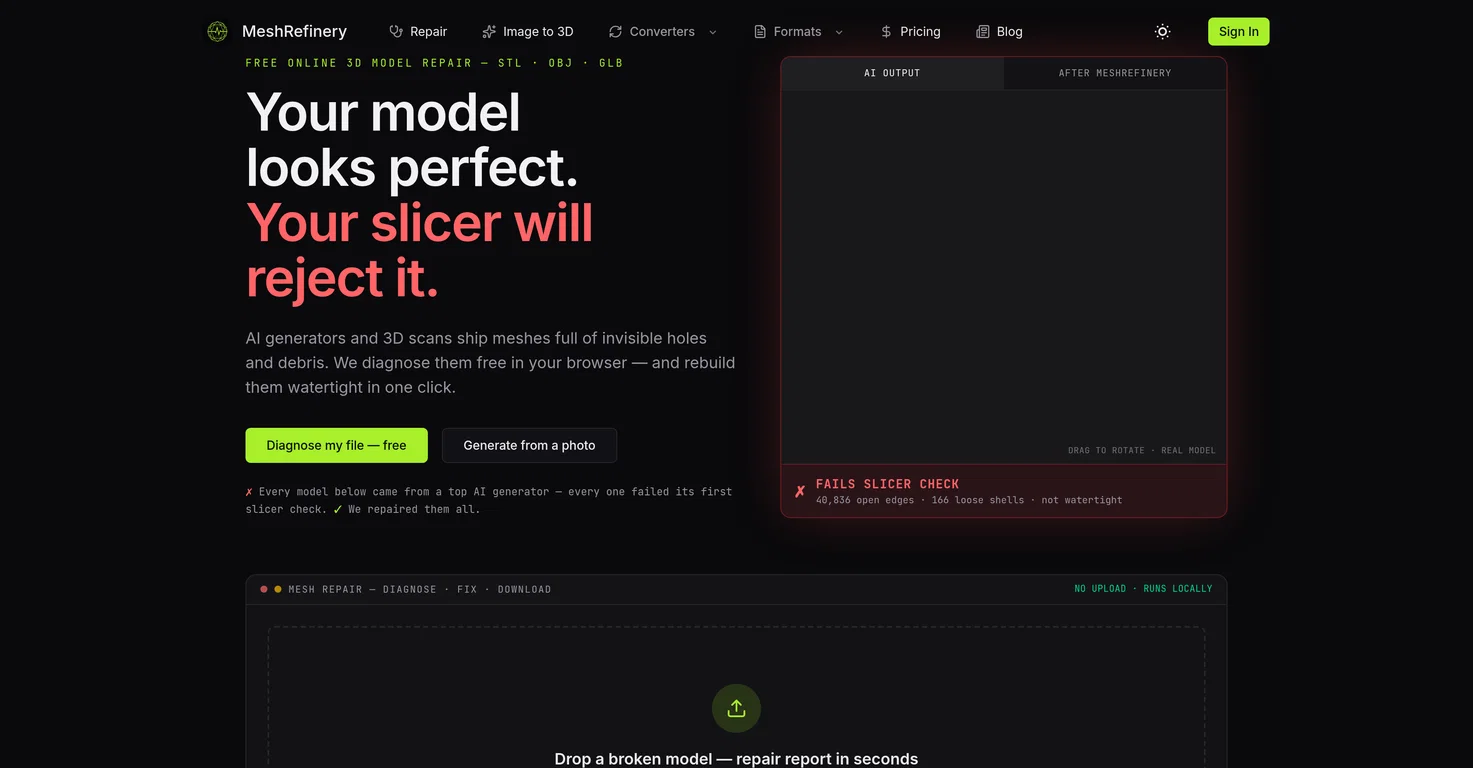
MeshRefinery is a free, browser-based tool that diagnoses and repairs broken 3D meshes — open edges, holes, non-manifold geometry, floating debris — so files pass slicer checks, all via WebAssembly with no upload or signup required.
It also converts between STL, OBJ, and GLB/glTF. Paid deep repair (20 credits) rebuilds a fully watertight surface while preserving original colors, and AI image-to-3D (30 credits, via Tripo API) turns a single photo into a textured GLB model.
Built for 3D printing, game assets, and AR/VR pipelines.
Pros and Cons
Pros
Repairs broken 3D models
Supports STL, OBJ, GLB formats
Web-based 3D model diagnosis
Ensures user privacy
No uploads needed
Cons
Requires decent web connectivity
No offline version
No API integration
Strictly format supportive (STL, OBJ, GLB)
Limited advanced repair options
What is MeshRefinery?
MeshRefinery is an online tool designed to assist users in repairing broken 3D models with formats such as STL, OBJ, and GLB. It’s capable of making 3D models acceptable for slicing software and also allows photo transformation into 3D models.
How does MeshRefinery repair broken 3D models?
MeshRefinery repairs broken 3D models by diagnosing issues such as invisible holes and debris within the browser. The tool identifies these flaws and rebuilds the meshes at a click, making them watertight. The repair process involves rebuilding the model’s geometry to make it watertight, along with more in-depth repairs to restore surface details and colors.
What types of 3D model formats does MeshRefinery support?
MeshRefinery supports multiple 3D model formats, including STL, OBJ, and GLB. It is also capable of format conversion between these formats.